
Scheduled dry food
Check the exact kibble shape and size, portion mechanism and stored schedule. A hopper capacity does not tell you how many measured meals your pet needs.
Feeding / Start here
Start with the food and who needs access to it. After that, compare your network, power backup, refill routine and costs.
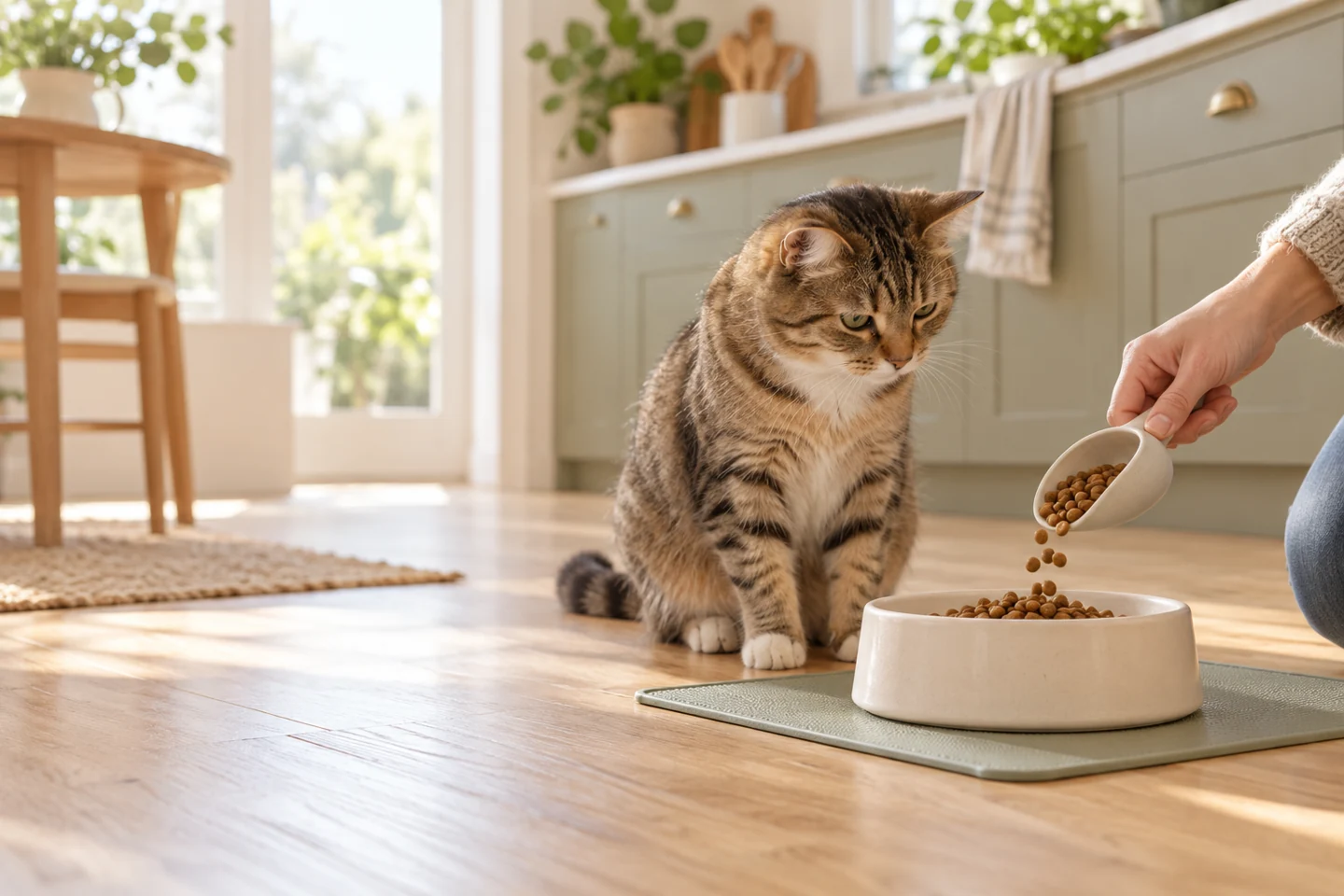
Before you shortlist
Start with what must work: the food, the animal that can reach it and the meal schedule. Only then compare app controls or a camera. Two feeders with the same litre capacity can solve different problems.
Build a shortlist from the model notes below, read the exact configuration, then use its buying section to open the matching retailer listing.
Check the exact kibble shape and size, portion mechanism and stored schedule. A hopper capacity does not tell you how many measured meals your pet needs.
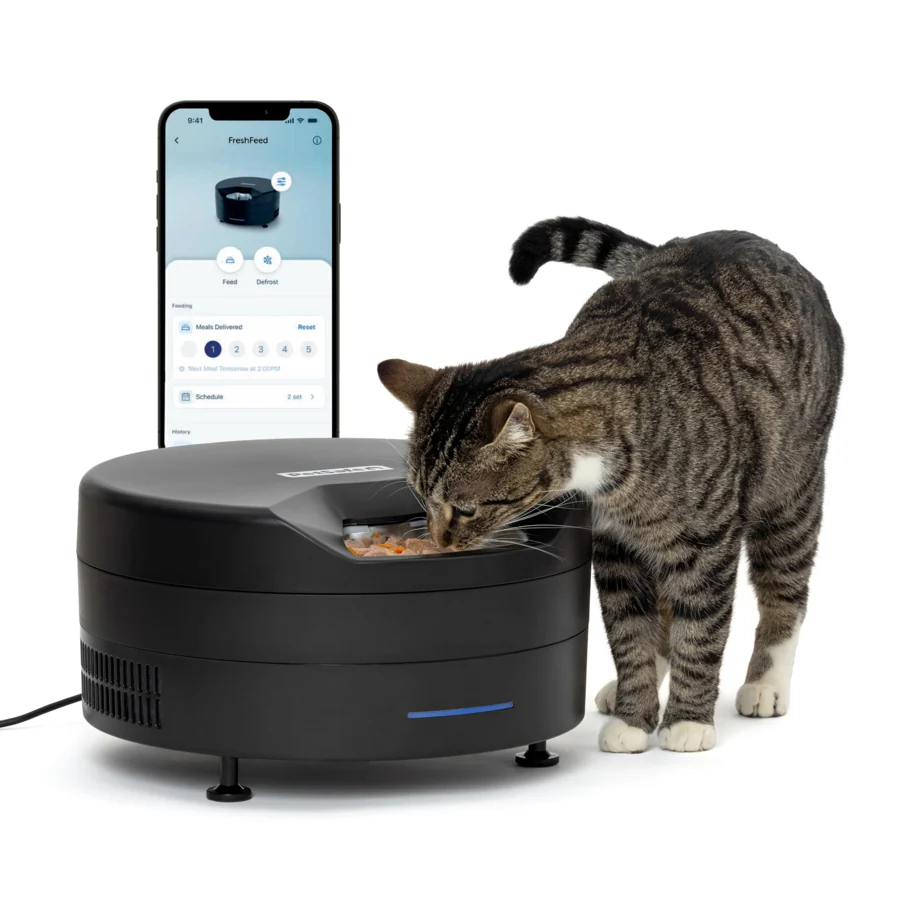
Choose a design whose manual explicitly allows that food. Do not put wet food into a dry-food hopper because the listing says automatic. Check refrigeration and time limits separately.
A second bowl or camera is not an access barrier. Look for documented selective access; confirm tag or microchip compatibility and the number of included tags.
Check saved meals, backup power and jam alerts separately. Arrange a person to check your pet; remote video is not a replacement for care.
Check food fit · Plan for a connection or power loss · Solve food stealing before adding bowls
How we research products · Document research, not hands-on testing.
A connected feature cannot make the wrong food suitable. Write down whether you use dry, semi-moist or wet food, and check the exact model’s limits. With kibble, measure several pieces across their widest point rather than relying on a bag’s photograph.
Use the food-compatibility checklist →Count the animals who can reach the feeder, not just the number of bowls. Shared food may suit one routine; separate diets require a different access check. Neither a camera nor two open bowls establishes that each pet eats only its own ration.
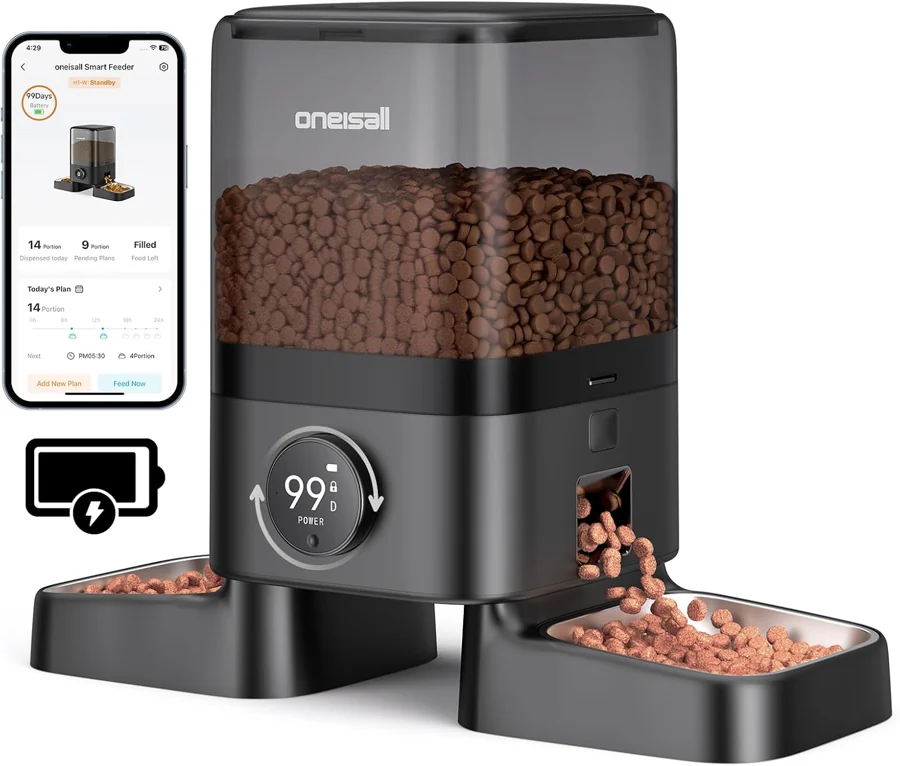
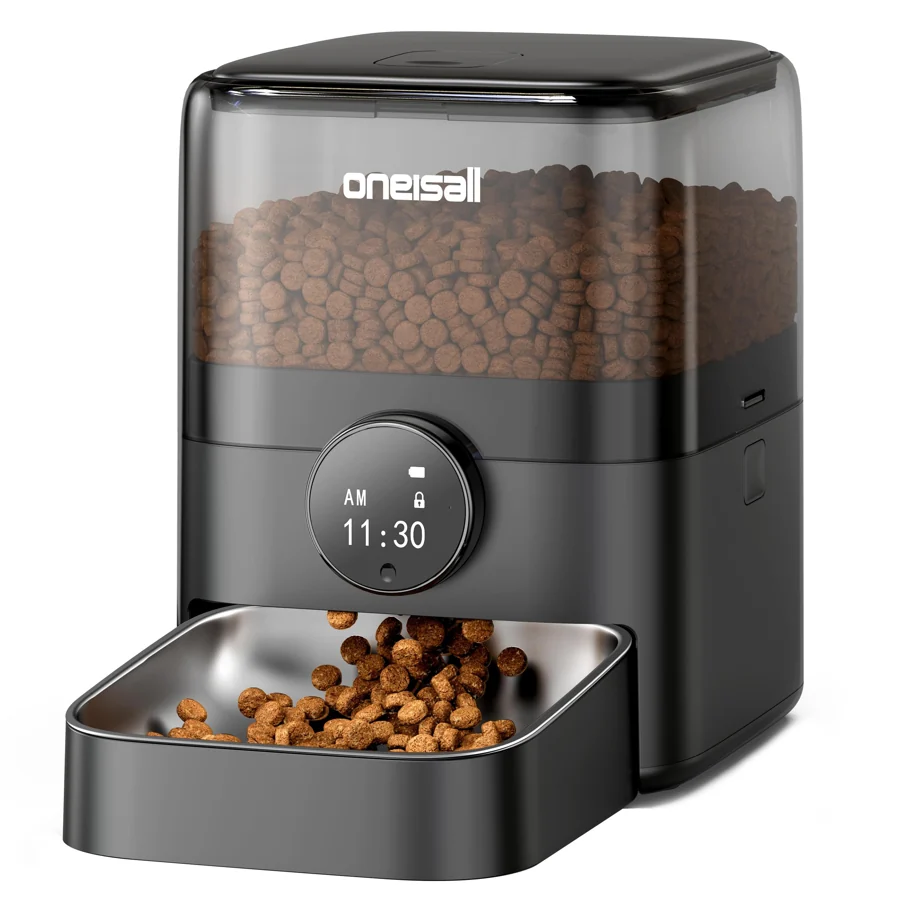
Plan a multi-pet setup →| Decision | PETLIBRO Granary Smart Camera Feeder | PetSafe Smart Feed, 2nd Generation | oneisall 3.5 L App-Controlled Feeder |
|---|---|---|---|
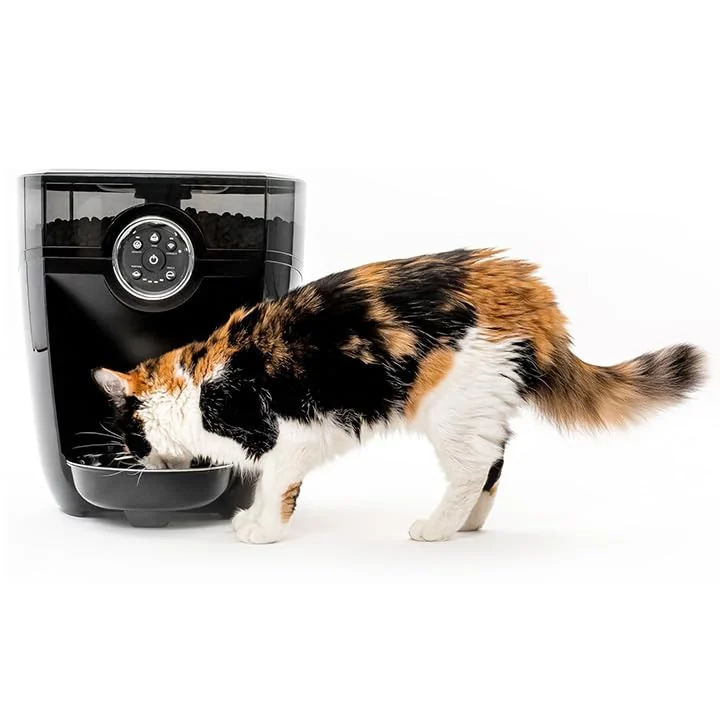
| Food | Dry kibble, 2–15 mm | Dry or semi-moist food | Dry kibble smaller than 12 mm |
| Capacity | 5 L | 24 US cups ≈ 5.68 L | 3.5 L |
| Network | 2.4 & 5 GHz | 2.4 GHz | 2.4 GHz |
| Observation | Built-in camera | No built-in camera in reference configuration | No built-in camera in reference configuration |
| Power interruption | Schedules continue on battery power; connected functions are limited. | Optional four D-cell batteries; check the setup instructions. | Scheduled feeding continues on batteries; app needs mains power. |
| Confirm before buying | Confirm the hardware revision, supported app and recording plan before buying. | Confirm food compatibility, the footprint and the backup setup for the shipped model. | Confirm CW15015, Smart Life compatibility and the package contents with the seller. |
| Details | Read the model notes → | Read the model notes → | Read the model notes → |
These are buying and setup checks, not proof of a model’s reliability. No hands-on reliability test has been performed for this edition.
The original three-model comparison is a starting point. The wider feeding library also includes timed, RFID, refrigerated and camera references. Their requirements differ; do not treat them as interchangeable.
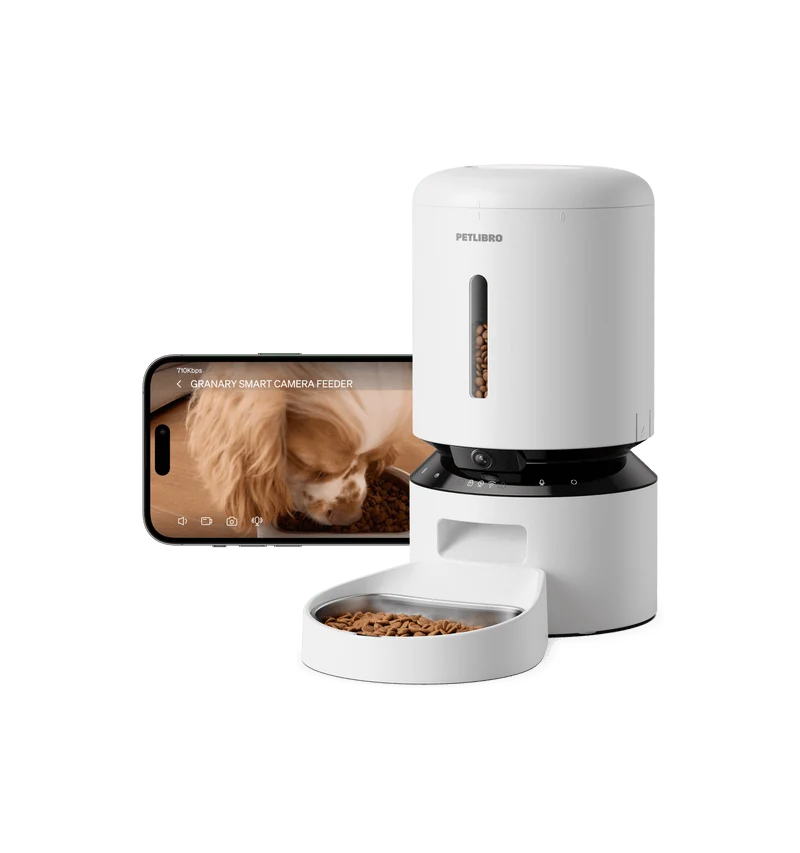
PETLIBRO · Feeding
Portions, food fit & backup power
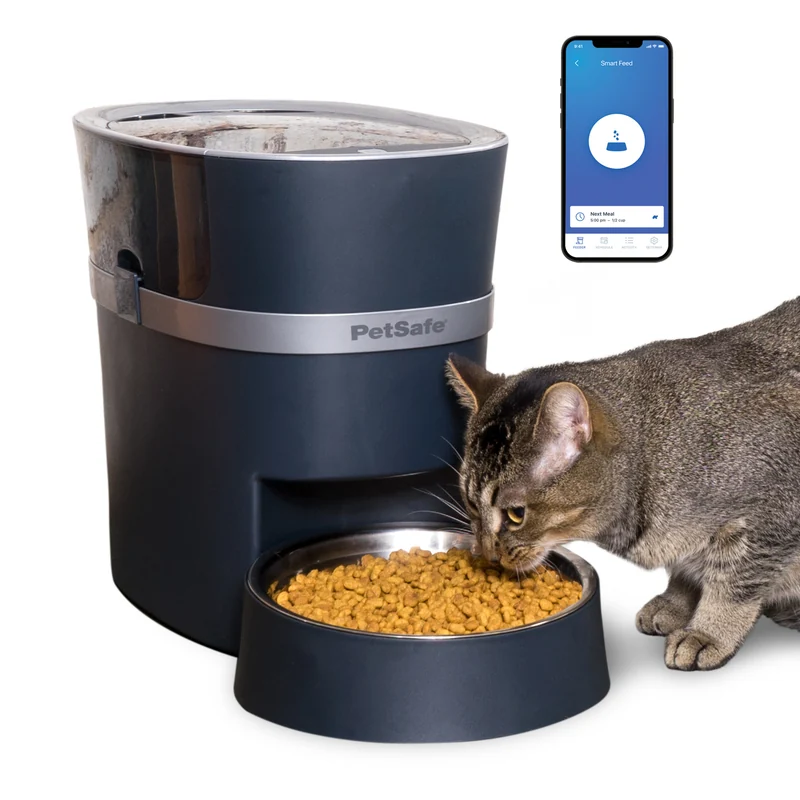
PetSafe · Feeding
Portions, food fit & backup power
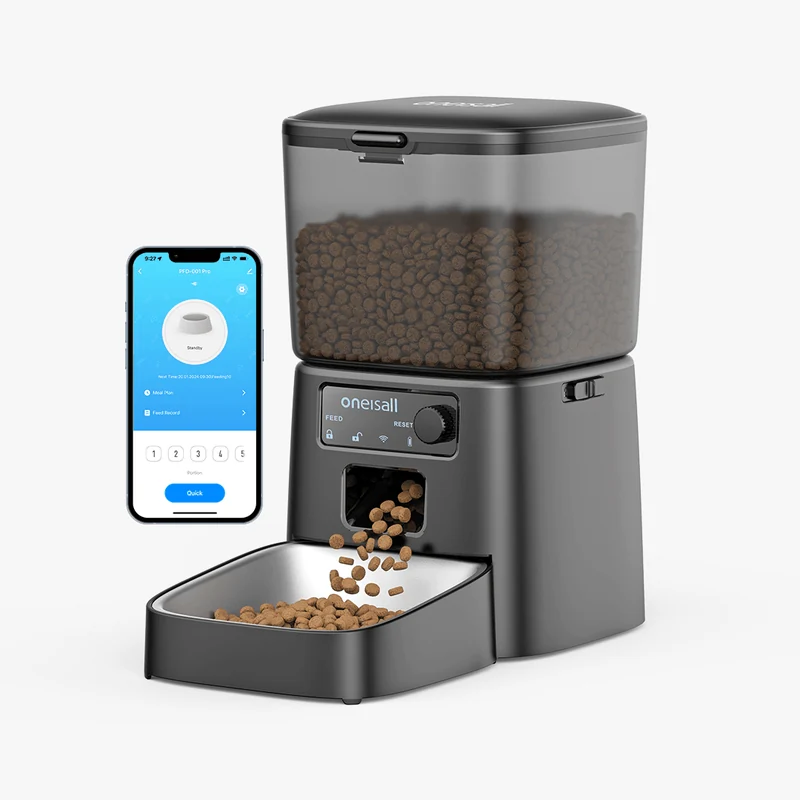
oneisall · Feeding
Portions, food fit & backup power


PetSafe · Feeding
Portions, food fit & backup power
Put the questions in context