
Choose the view
Check the actual room coverage and avoid recording private areas unnecessarily.
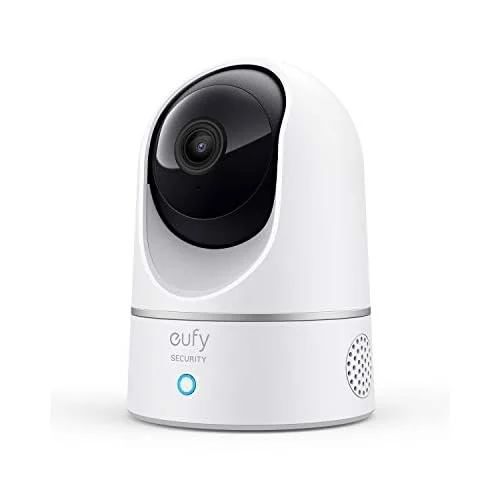
Product image · confirm your selected configuration at the retailer.
eufy / Pet monitoring cameras
Compare the view, connection and recording options for the room you want to monitor.
Before choosing: Room coverage, Wi-Fi, power, privacy controls and recording costs.
Check price at Amazon ↗We may earn a commission if you buy through this link. Check the current price, availability and exact configuration at Amazon.
Check my buying checklist ↓Manufacturer evidence · checked October 25, 2026
These details come from the manufacturer’s named-model reference. Check that your retailer’s exact unit, revision and package match it.
| Buying check | Manufacturer reference and practical limit |
|---|---|
| Connection | 2.4 GHz Wi-Fi; external power is still required. |
| Local recording | A microSD card can record locally without a cloud subscription; buy the card separately. |
| Smart-home resolution | The native app offers 2K; the manufacturer lists a 1080p limit when used with HomeKit. |
Decide whether you will use the native app or HomeKit before comparing resolution. Budget for a storage card and keep the USB cable out of reach.
Read the manufacturer reference ↗ · This is document research, not a hands-on test.
The details, made clearer
The marketplace connectivity label is ambiguous. Do not use it to infer Wi-Fi bands or power requirements; use the named-model manufacturer connection notes and confirm the exact revision.
Specifications describe the referenced configuration. Check accessories, power and current retailer options before ordering. Review fit & buying options →
Worth considering if
Compare the view, connection and recording options for the room you want to monitor.
Confirm before you commit
Life after the unboxing
Check the actual room coverage and avoid recording private areas unnecessarily.
Match the router band, external power and smart-home mode.
Separate live view, local storage and optional paid features.
No. This page uses product-catalogue information for the exact reference. Dispensing accuracy, cleaning performance, noise, app reliability and long-term durability have not been measured here.
Check the exact seller reference and included parts. Known marketplace parent data was used internally to avoid counting colour or bundle repeats as extra products. This page does not provide a working variant selector.
Room coverage, Wi-Fi, power, privacy controls and recording costs. A camera is an observation device. Live viewing, cloud recording, alerts and privacy settings need separate checks.
eufy Indoor Cam E220 — exact Amazon reference
Source listing data was retained for ASIN B0856W45VL, amazon.com, observed October 25, 2026. The source listing description is evidence of what is offered, not an independent performance test. The exact affiliate link has been matched and checked. Full manual review, pet-specific suitability and image publication rights remain separate checks. Ratings are dated marketplace snapshots, not independent testing. No customer review text or rating rich-result markup is published.
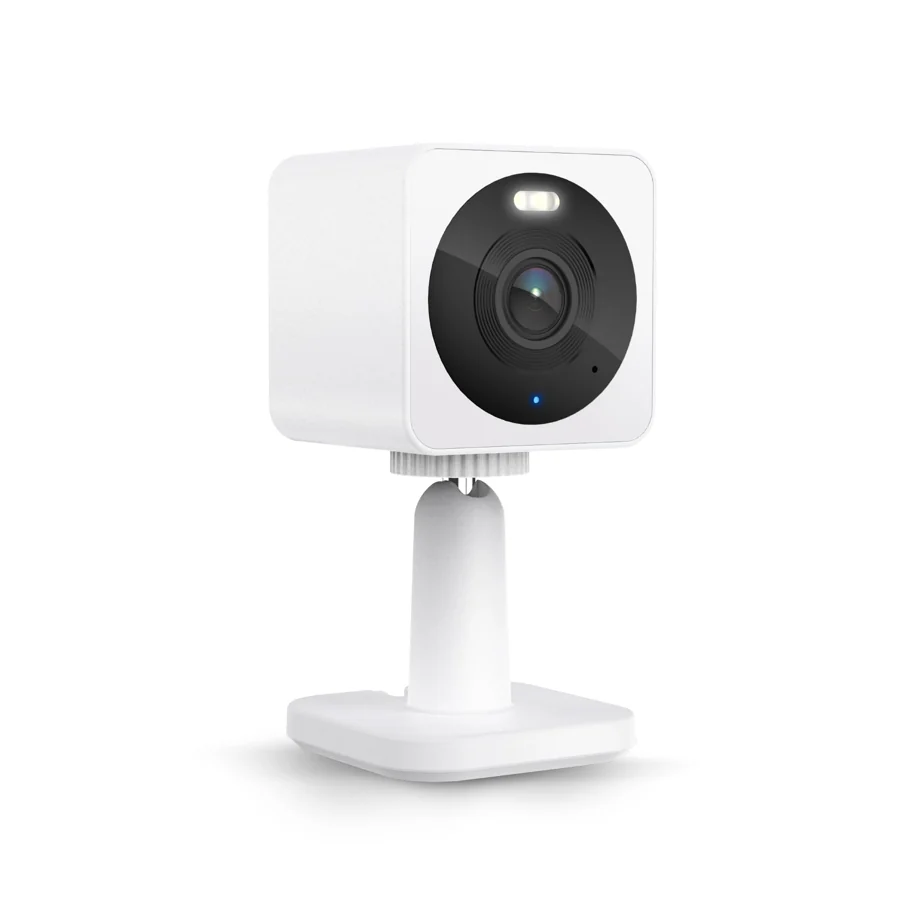
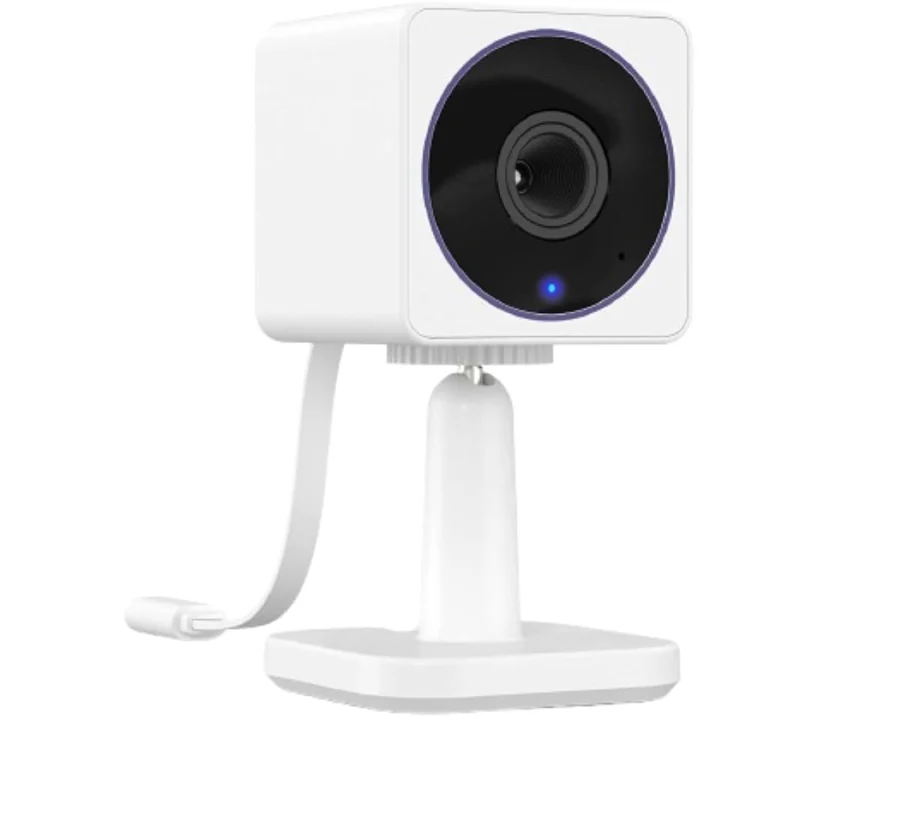
Before you shortlist
Choose the mode you will actually use. The selected smart-home path can change the practical resolution and recording requirements, while the camera still needs external power and compatible Wi-Fi.
The manufacturer lists native-app 2K and local microSD recording. Confirm the card, recording settings and any optional cloud service before ordering.
The manufacturer lists 1080p in HomeKit mode. Check your Apple setup and recording requirements; do not promise native-app resolution in every ecosystem.
Compare no-subscription camera functions · Include storage in the first-year budget
How we research products · Document research, not hands-on testing.
Explore the brand, compare the category, or check another model before choosing the exact configuration.